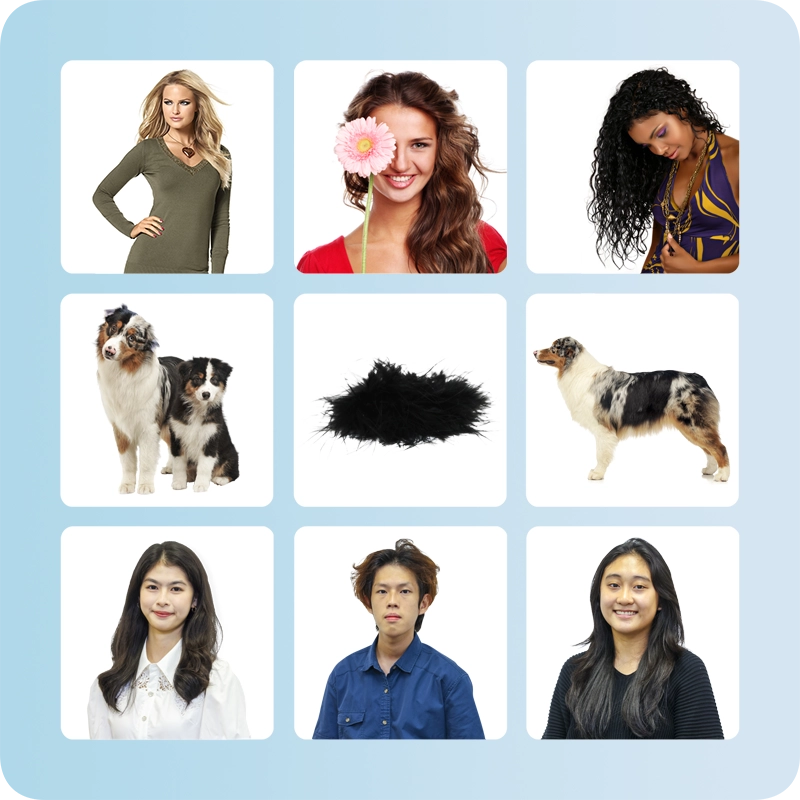
Photoshop masking service is used to extract the subject from its original background like clipping path. However, clipping path and image masking are two different photo editing techniques. While clipping path is used to cut out images with solid edges, Photoshop masking is applied for subjects with soft or subtle edge like hair, fur.
Photoshop Image Masking Service with 6–24 Hour Turnaround
We remove hair, fur, glass, and transparent backgrounds with perfect accuracy.
✔ $0.99 USD per image
✔ 100% Manual Editing
✔ Free Trial Available
What is Image Masking?
Image masking is a photo editing technique. It is used to remove soft or fuzzy backgrounds such as hair and fur images. Image masking technique is used to keep every detail intact. Photoshop masking is different from the basic layer mask tool. It uses advanced techniques for more sophisticated results.
Benefits of Image Masking Service
Professional image masking gives your photos a flawless finish. It protects fine details while removing the backgrounds. This is important for high-quality product presentation. It ensures:
- clean and professional cutout
- works for tricky background removal
- improves eCommerce Conversion
Types of Image Masking Service
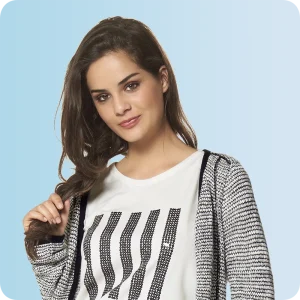
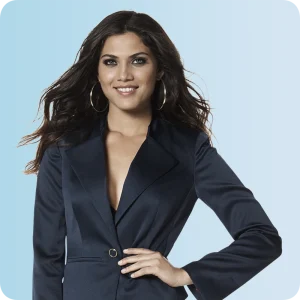
Simple Photo Masking: 0.99 USD per image
The complexity of the masking service depends on the hair and background colors. Images with smooth and easy backgrounds are classified as simple. Thus, the easy image needs the least effort for background removal. The price starts from just 1.49 USD. The image quantity, file size, and turnaround also play essential roles in determining the cost. Our expert photo editing team can process around 2000 simple photo masking units. Yes, a special discount is always available for a large project with regular projects.
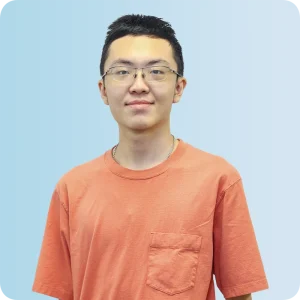
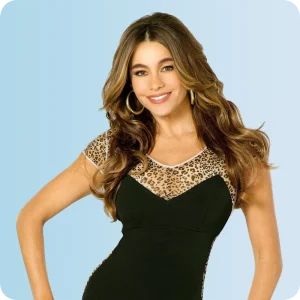
Medium Photo Masking: 1.99 USD per image
However, we consider the mask layer images as a medium, which is more time-consuming and requires non-destructive process than simple ones. This type of image has more tricky background. It is not easily separable from the hair color. It may take around half an hour to process a single image of this kind. We may offer you USD 2.49 per image for a large volume of masking images and regular projects. We have more than 1000 image production capacities of this kind.
Complex Image Masking: 3.49 USD per image
Yes, this image has too much flying hair or fur. The background of the image typically has multiple layers of colors. Hair color and background color are almost similar. A designer must spend a lot of time extracting this photo. Some images may take around an hour to complete. We must engage our best designers for this project to ensure professional quality. The best price we can offer for this type of image is 3.49 USD per image. We can process 300-600 complex pictures per day.
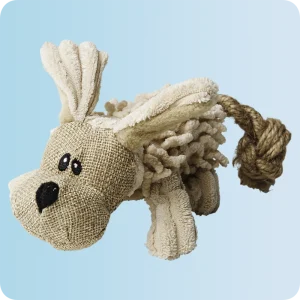
Super Complex Image Masking: 4.99 USD per image
Super complex image is extremely detailed and very challenging to mask. It may include heavy flying hair, fur, smoke, glass reflections, or transparent fabric. The background often contains multiple color tones, shadows, and overlapping objects. In many cases, the hair color and background color are almost identical. This type of image requires advanced channel masking and detailed brush work in Photoshop. We can process 150–300 super complex images per day.
Your Trusted Image Editing Partner
About Us
We are USA based clipping path company and provide a wide range of advanced photo retouching services. Most of our customers are from the United States, Europe, and Australia.
Types of Photoshop Image Masking
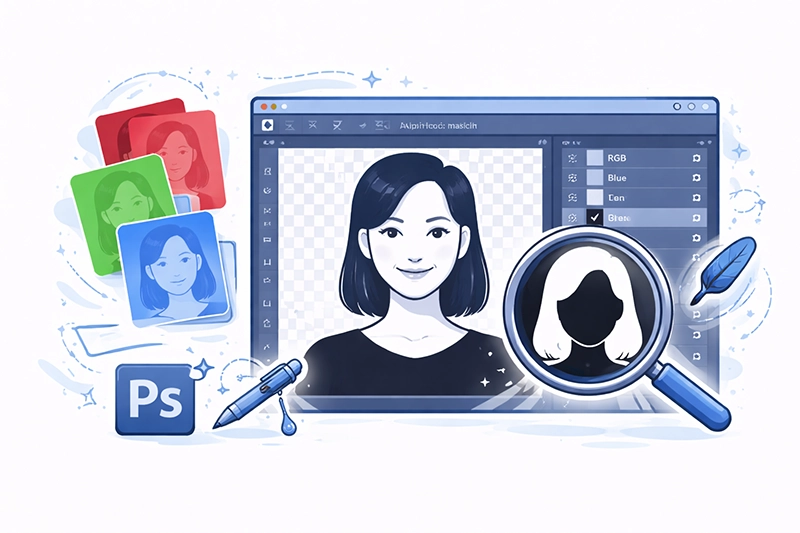
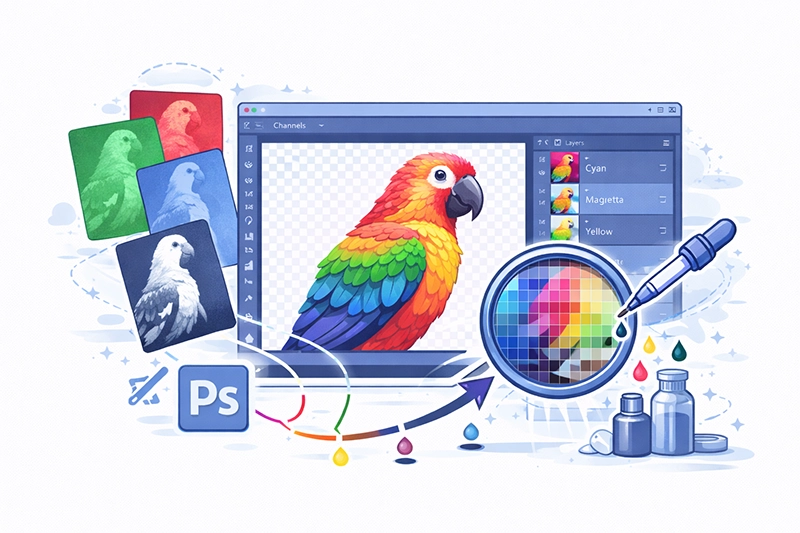
Alpha Channel Mask Technique
Each layer panel the image has different attributes for eliminating actions including removal of background. Also various techniques must apply, is it true? Different image requires different approaches. Alpha channel masking involves some complicated methods to do masking. These alpha channel masks have two different types, that are relatively easy to use. When you need to cover up your hair, the choice of these areas can be difficult. If the object has enough contrast, alpha channel masking techniques are easier to apply. We use the palette of channels to find which channels provide the best contrast.
Color Separation Technique
In this method, the background color of masked image must be different from the subject's color. If the hair or fur color is black, the background color of clipped image must be white or any other light color. If this method works, the DTP will adjust the color of the image in such a way that it will intensify the difference between the background and foreground. Finally, the designers apply quick selection tools to select the object without harming any part of the image. It makes smooth and professional extraction without damaging the hair or fur.
Background Eraser Tool
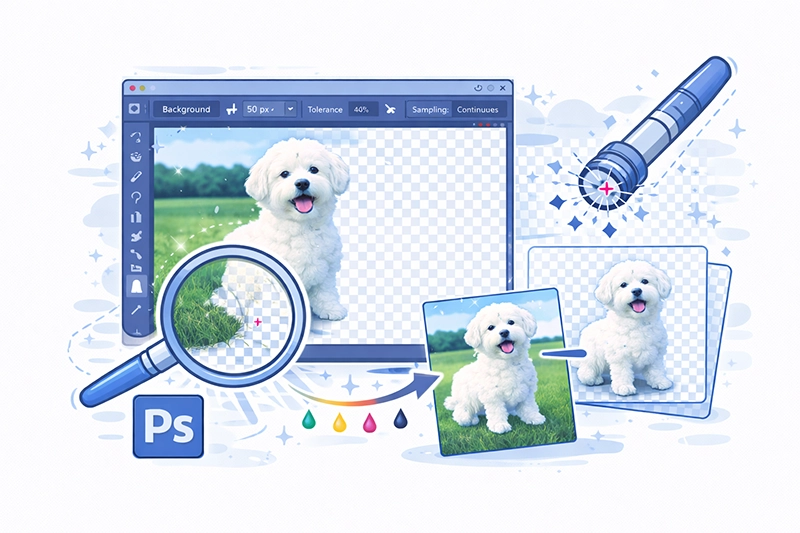
The background eraser tool is the most famous tool used for Photoshop masking. In this case, you must create a clipping path around the solid area. It keeps the bottom layer of the object intact while applying the background eraser tool. It is quite a subtle technique. If anything goes wrong, the details of hair or fur will be lost. So while applying pen tool for this technique, you must be careful about the flying hair. Test the hair against both black and white backgrounds. It will ensure quality work without losing the flying hair or fur.
Masking with Photoshop Extract Tool
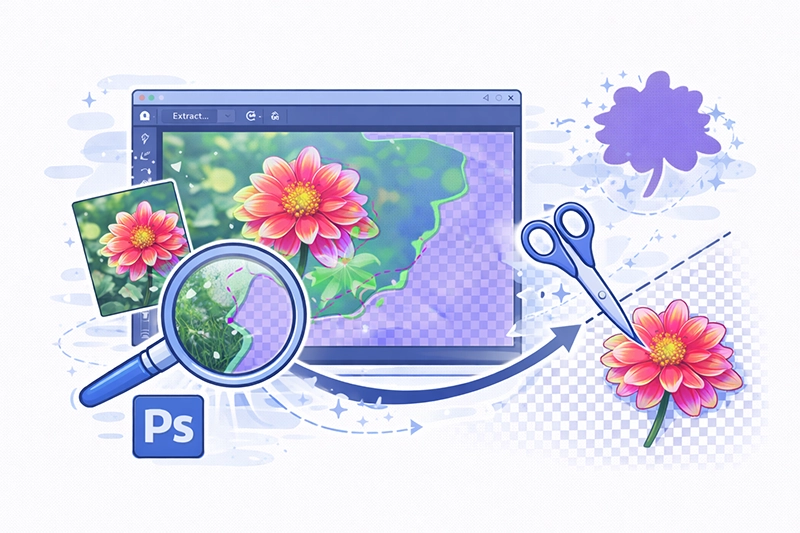
The extract tool is also quite effective for complex hair masking. Extract tool erases the background and keep the foreground intact. The accuracy of brush tool depends on the proper customization of the options. The designers need to be very expert and experienced to do well with auto extraction tools in Photoshop.
FAQ
-
What is image masking service?
-
When should I use image masking instead of clipping path?
You should use image masking when your image has soft, fuzzy, or transparent edges. Clipping path works best for hard and solid edges like furniture, apparels, shoes, etc.
-
Do you manually mask images?
Yes, we apply masking manually using Adobe Photoshop. We do not rely on auto tools to ensure professional quality.
-
What file formats do you accept?
We accept JPG, PNG, PSD, TIFF, and other common image format.
-
How long does image masking take?
It depending on image complexity and volume. Our standard turnaround time is 6–24 hours. However, rush delivery is available for urgent projects.
-
Can I get a free trial?
Yes, we offer a free trial to show our quality before placing any order.